My phone’s battery is dying fast, like really so fast from 65% to 15% within 10 minutes? How can I fix this?
Why is my phone battery dying so fast? — Causes and Solutions
Before undertaking any of the more time-consuming solutions below, these are a basic troubleshooting steps to get you started.
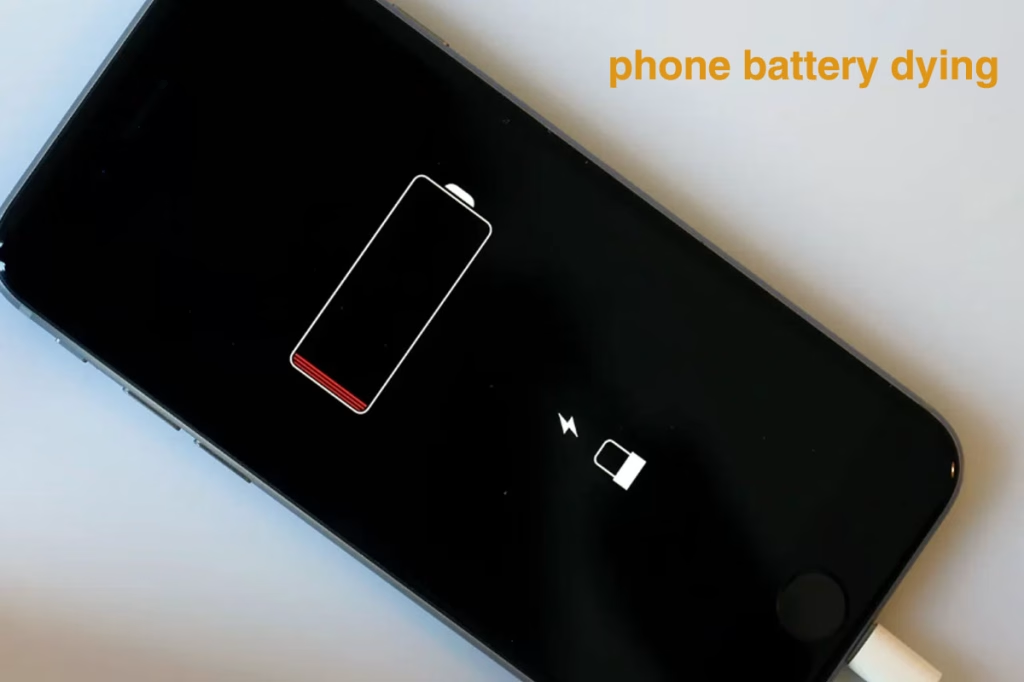
Why is my phone battery dying so fast all of a sudden?
Don’t worry if your phone’s battery is dying faster than earlier, as you are not alone. Many people worldwide face this issue.
Why is my phone battery dying so fast? Basic and potential causes:
- Phones are more efficient, keeping Bluetooth, Wi-Fi, and cellular data constantly searching for connections can use up battery power.
- Too many apps running in the background can significantly drain your smartphone’s battery life. These apps continue to consume power by syncing data, refreshing content, and sending notifications, even when you’re not actively using them.
- There are too many apps running location services, enabled can significantly drain your phone’s battery, even when not actively in use.
- A brighter screen uses more power, leading to faster battery drain.
- The phone’s operating system is outdated. Older software versions might have bugs that cause excessive battery drain.
- Extreme temperatures, whether hot or cold, can significantly impact your smartphone’s battery performance and lifespan.Hot temperatures can cause battery degradation, while cold temperatures can reduce battery capacity and even lead to a temporary shutdown.
- Using a non-original or incompatible power adapter can cause issues like improper voltage regulation and overheating, potentially causing malfunctions or damage to the device.
- If your phone continues trying to connect to a strong signal, it will consume more battery power to maintain the connection.
- If your phone is over a few years old, its battery may no longer hold a full charge, leading to sudden and rapid battery drain.
How do you fix a sudden battery drain?
- Disable Wi-Fi and Bluetooth when they’re not in use, as they continuously search for connections, draining power.
- By proactively managing background app activity, you can significantly improve your phone’s battery longevity and overall performance.
- Charge Smartly: Avoid letting your phone’s battery drop to 0% or charging to 100% frequently, as this can reduce its lifespan. It is better to keep your phone charged between 20% and 80%. Also,try to avoid charging your phone overnight.
- You use your phone while charging, don’t do this because it will decrease the life span of your battery.
- Avoid Extreme Temperatures: Extreme temperatures both hot and cold can degrade your phone’s battery health. Avoid direct sunlight and freezing conditions to maintain optimal performance. Additionally, using your phone while charging generates excess heat, which can accelerate battery wear. To extend battery lifespan, charge in a cool environment and minimize phone usage during charging sessions.
- Nearly Expired Battery, try to change it.
- Regularly updating your Android operating system boosts efficiency.
- Enable Dark Mode: Enabling Dark Mode on smartphones equipped with OLED or AMOLED displays is an effective strategy to conserve battery life. These screen technologies illuminate individual pixels, allowing black or dark-colored pixels to turn off completely, reducing power consumption. Research from Purdue University indicates that at 100% screen brightness, switching to Dark Mode can result in battery savings of up to 47%. Even at moderate brightness levels, users can expect savings between 3% and 9%.
FAQs
(Frequently Asked Questions)
Why does my phone battery drain while it’s charging?
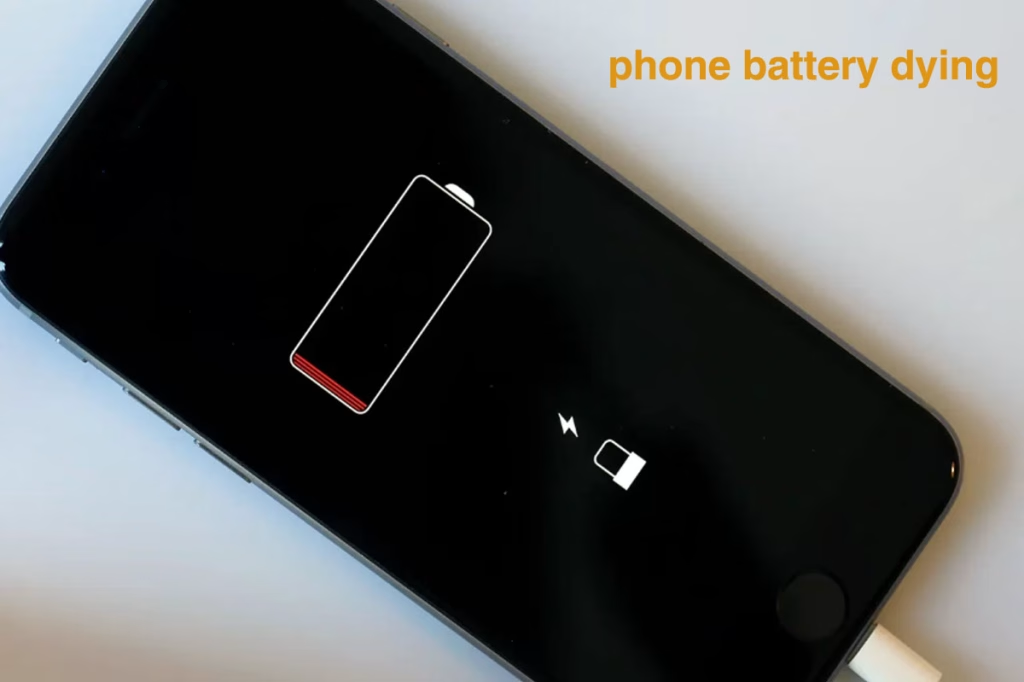
The easy answer is “Your phone consumes more energy than it receives while charging.”
This can be related to a variety of common solutions:
- Your device may drain the battery while charging if power-hungry components use more energy than the charger can deliver.
- Using poor-quality or damaged charging cables and ports can hinder efficient energy delivery to your phone’s battery, leading to slow charging or battery drain.
- A faulty or poor-quality charging cable may fail to deliver adequate power, causing battery charging issues.
- Using a poor-quality or low-wattage AC power source can limit your charger’s output, leading to reduced charging performance—even though this is rare in developed countries.
- Damaged or defective battery cells can lead to battery failure, often accompanied by symptoms such as swelling or significantly reduced battery life even after a full charge.
If your phone’s battery is draining while the screen is off and you’re not streaming via Bluetooth or Wi-Fi, the issue is likely a faulty charger or cable—try replacing them and check again. However, if the battery drains while gaming or using the device during charging, consider using a higher-wattage charger or avoid heavy usage while charging to improve performance.
My phone’s battery is dying fast, like really so fast from 65% to 15% within 10 minutes? How can I fix this?
This issue typically arises when your smartphone battery reaches the end of its lifespan. Most smartphones use lithium-ion (Li-ion) batteries, which typically endure between 300 to 500 full charge cycles—equating to approximately 2 to 3 years of regular use . As these batteries age, they lose capacity, leading to rapid battery drain and reduced performance. If you’re experiencing these issues, it might be time to consider a battery replacement to restore your device’s efficiency.Or else, battery gets drained because of these reasons:
- Many users habitually charge their batteries from 0% to 100%, a practice that can reduce battery lifespan.
- Installing of some Faulty Apps.
- If phone is affected with malware.
- The phone’s operating system is outdated.
- Using a non-original or incompatible power adapter.
- If the phone is continue trying to connect to a strong signal.
Preventive Measures:
- Always charge between some safety limits e.g., 20%-90%.
- Is your battery removable? Is it an old battery? If yes, change it.
- Use original charger.
- Uninstall such wrongly programmed apps.
- Try to remove virus/malware from the mobile.
- Ensure your phone’s operating system is up-to-date.
- At low signal level,switch off mobile data.
- Avoid exposing your phone to very hot or very cold temperatures, as this can shorten its battery life.
Why is my battery dying so fast all of a sudden?
Sudden battery drain can be caused by several factors, including background apps, old battery, defective charging systems, or issues with the phone’s operating system. Other potential causes include extreme temperatures, weak cellular signals, or a malfunctioning alternator. To fix this:
- Close unnecessary apps.
- Restart the phone.
- Check OS updates.
- Check battery lifespan.
- Disable WIFI/Bluetooth if you don’t use it.
- Turn off location services.
Can a virus cause my phone battery to drain quickly?
Yes, a virus or malware on your phone can indeed cause the battery to drain faster than usual. This is because malicious software can run background processes, push unwanted advertisements, or interfere with your phone’s sleep mode, all of which consume extra battery power. To enhance your mobile security and avoid malware, always download apps exclusively from trusted sources like the Google Play Store or Apple App Store. These official platforms implement rigorous security measures to ensure the safety and reliability of applications.
Why did my phone suddenly turned off by itself and won’t power back on?
A phone turning off abruptly and refusing to power on can be caused by a variety of issues, including battery problems(Drained Battery,Defective Battery,Battery Calibration), software glitches(Software Errors,Faulty Apps,Software Updates), physical damage(Water Damage,Physical Impact), or Overheating.
Why my phone randomly shuts down?
A phone may randomly shut down due to several reasons, including battery issues, overheating, software problems, or even hardware malfunctions. To troubleshoot, you can start by checking the battery, attempting a reboot, looking for software updates, or uninstalling problematic apps.